
外观
JSON 节点格式
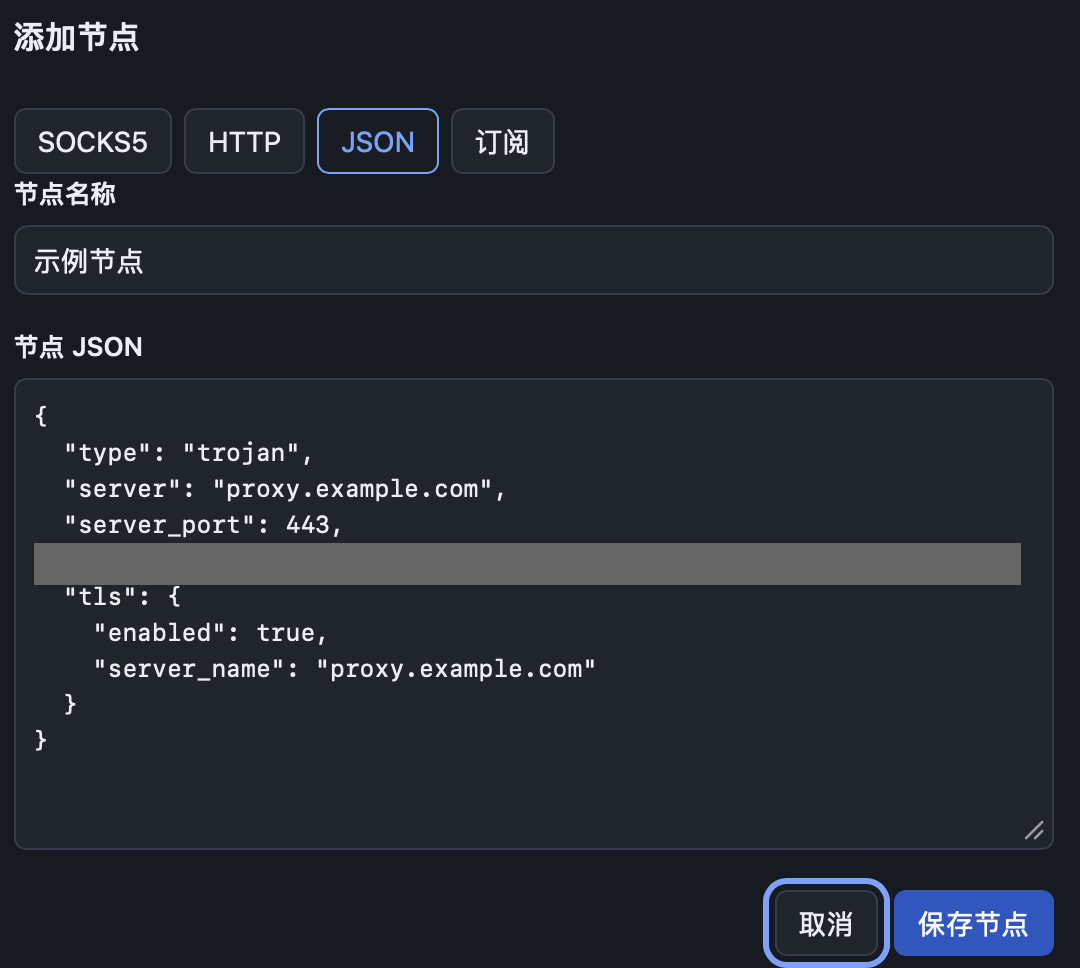
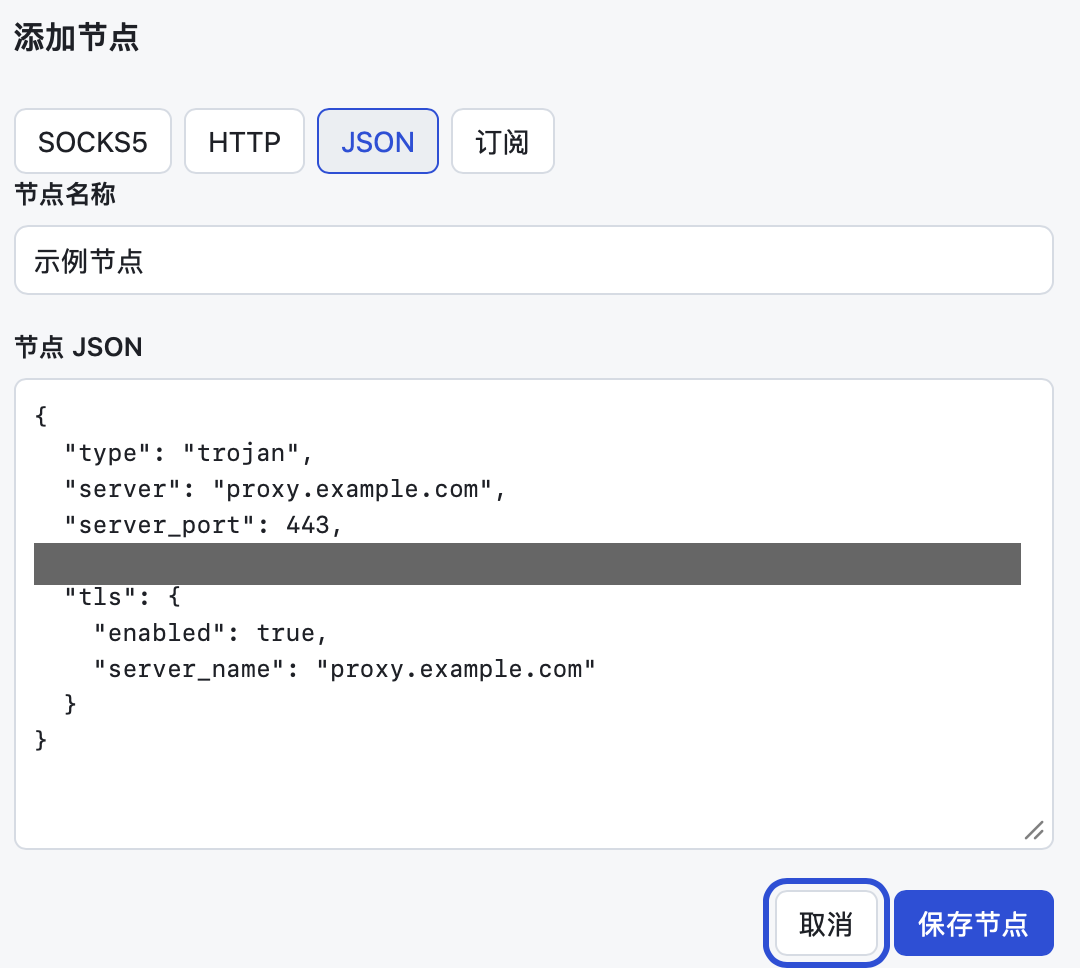
添加节点时选择“JSON”,可以直接粘贴一个 sing-box 出站(outbound)配置,用来添加 SOCKS5、HTTP 以外的协议,或者需要 TLS、传输层等高级参数的节点。
工作站使用 sing-box 1.14,字段写法以该版本为准。
两种写法
写法一:只写一个 outbound(推荐)
json
{
  "type": "trojan",
  "server": "proxy.example.com",
  "server_port": 443,
  "password": "your-password",
  "tls": {
    "enabled": true,
    "server_name": "proxy.example.com"
  }
}
写法二:完整配置,但 outbounds 里只能有一个节点
json
{
  "outbounds": [
    {
      "type": "trojan",
      "server": "proxy.example.com",
      "server_port": 443,
      "password": "your-password",
      "tls": { "enabled": true, "server_name": "proxy.example.com" }
    }
  ]
}使用写法二时只取这一个节点,route、dns、inbounds 等其他部分会被忽略;工作站的白名单仍在“高级设置”中单独管理。
填写规则
- 必须有
type、server、server_port,以及该协议要求的认证字段。 - 不用写
tag。节点显示的名字由表单里的“节点名称”决定,tag会由应用自动生成。 - 不要使用
detour引用其他节点,也不要添加selector、urltest这类组合出站。每个节点应当能独立连接。 - 服务器地址可以填域名或 IP。
- 保存后先点“测试”,确认出口 IP 和延迟正常再切换为当前节点。
常见协议示例
以下示例中的地址、端口、UUID、密码和公钥都是占位符,请替换为服务商提供的值。
SOCKS5
json
{
  "type": "socks",
  "server": "proxy.example.com",
  "server_port": 1080,
  "version": "5",
  "username": "your-username",
  "password": "your-password"
}
没有认证时删除 username 和 password。不需要其他参数时,直接用“SOCKS5”添加方式更简单。sing-box 的 SOCKS 出站不支持 TLS。
HTTP / HTTPS 代理
json
{
  "type": "http",
  "server": "proxy.example.com",
  "server_port": 443,
  "username": "your-username",
  "password": "your-password",
  "tls": {
    "enabled": true,
    "server_name": "proxy.example.com"
  }
}
普通 HTTP 代理删除 tls 部分即可。
Shadowsocks
json
{
  "type": "shadowsocks",
  "server": "proxy.example.com",
  "server_port": 8388,
  "method": "aes-128-gcm",
  "password": "your-password"
}
method 填服务商给出的加密方式,例如 aes-128-gcm、chacha20-ietf-poly1305、2022-blake3-aes-128-gcm。使用 2022- 开头的加密方式时,password 必须是服务商提供的 Base64 密钥,不能自己随意填写。
VMess(WebSocket + TLS)
json
{
  "type": "vmess",
  "server": "proxy.example.com",
  "server_port": 443,
  "uuid": "00000000-0000-0000-0000-000000000000",
  "security": "auto",
  "alter_id": 0,
  "tls": {
    "enabled": true,
    "server_name": "proxy.example.com"
  },
  "transport": {
    "type": "ws",
    "path": "/your-path",
    "headers": { "Host": "proxy.example.com" }
  }
}
不使用 WebSocket 时删除 transport;不使用 TLS 时删除 tls。
VLESS(Reality)
json
{
  "type": "vless",
  "server": "proxy.example.com",
  "server_port": 443,
  "uuid": "00000000-0000-0000-0000-000000000000",
  "flow": "xtls-rprx-vision",
  "tls": {
    "enabled": true,
    "server_name": "www.example.com",
    "utls": { "enabled": true, "fingerprint": "chrome" },
    "reality": {
      "enabled": true,
      "public_key": "IJNhrDBhhdYE7gX-LihkhseY-4nbK8I1UyeHUiVYBEo",
      "short_id": "0123abcd"
    }
  }
}
public_key 和 short_id 由服务端提供,示例中的值只是格式示意。Reality 必须同时开启 utls。server_name 填服务端配置的伪装域名,不一定是服务器自己的域名。普通 TLS 的 VLESS 去掉 reality 部分,server_name 填服务器域名即可。
Trojan
json
{
  "type": "trojan",
  "server": "proxy.example.com",
  "server_port": 443,
  "password": "your-password",
  "tls": {
    "enabled": true,
    "server_name": "proxy.example.com"
  }
}
Hysteria2
json
{
  "type": "hysteria2",
  "server": "proxy.example.com",
  "server_port": 443,
  "password": "your-password",
  "up_mbps": 50,
  "down_mbps": 200,
  "tls": {
    "enabled": true,
    "server_name": "proxy.example.com",
    "alpn": ["h3"]
  }
}up_mbps、down_mbps 按实际带宽填写,可以省略。服务端开启了混淆时,加上:
json
"obfs": { "type": "salamander", "password": "your-obfs-password" }TUIC
json
{
  "type": "tuic",
  "server": "proxy.example.com",
  "server_port": 443,
  "uuid": "00000000-0000-0000-0000-000000000000",
  "password": "your-password",
  "congestion_control": "bbr",
  "tls": {
    "enabled": true,
    "server_name": "proxy.example.com",
    "alpn": ["h3"]
  }
}
AnyTLS
json
{
  "type": "anytls",
  "server": "proxy.example.com",
  "server_port": 443,
  "password": "your-password",
  "tls": {
    "enabled": true,
    "server_name": "proxy.example.com"
  }
}
常用的 TLS 与传输参数
| 字段 | 说明 |
|---|---|
tls.server_name | TLS 握手使用的域名(SNI) |
tls.alpn | 应用层协议列表,例如 ["h2", "http/1.1"]、["h3"] |
tls.utls | 模拟浏览器 TLS 指纹,fingerprint 常用 chrome |
tls.insecure | 设为 true 跳过证书校验。会让连接失去防中间人保护,只在服务商明确要求时使用 |
transport | 传输层,type 可为 ws、grpc、http 等;只有服务端也使用相同传输层时才填写 |
更多字段见 sing-box 官方文档:出站、TLS、V2Ray 传输层。
从客户端配置转换
- 有订阅链接或 Clash / sing-box 配置文件:直接用订阅导入,应用会自动转换上面这些协议,比手写 JSON 更省事。
- 只有 sing-box 配置文件:从
outbounds中复制对应节点的那一段,删掉tag和detour后粘贴。 - 只有分享链接(如
vless://、trojan://):按链接中的参数对照上面的示例填写,或者先在支持导出 sing-box 配置的客户端中导入再复制。
保存失败时
- “请填写有效的节点 JSON”:JSON 语法有误,常见原因是多了或少了逗号、引号用了中文引号。
- “每份配置只添加一个节点”:完整配置的
outbounds里有多个节点,只保留要添加的那一个。 - “节点 JSON 缺少有效的 type”:缺少
type字段,或者粘贴的不是 outbound。 - 保存成功但测试不通:先核对地址、端口、密码或 UUID、
server_name,再确认服务端使用的传输层和 TLS 设置与填写的一致。